
Organize for selection
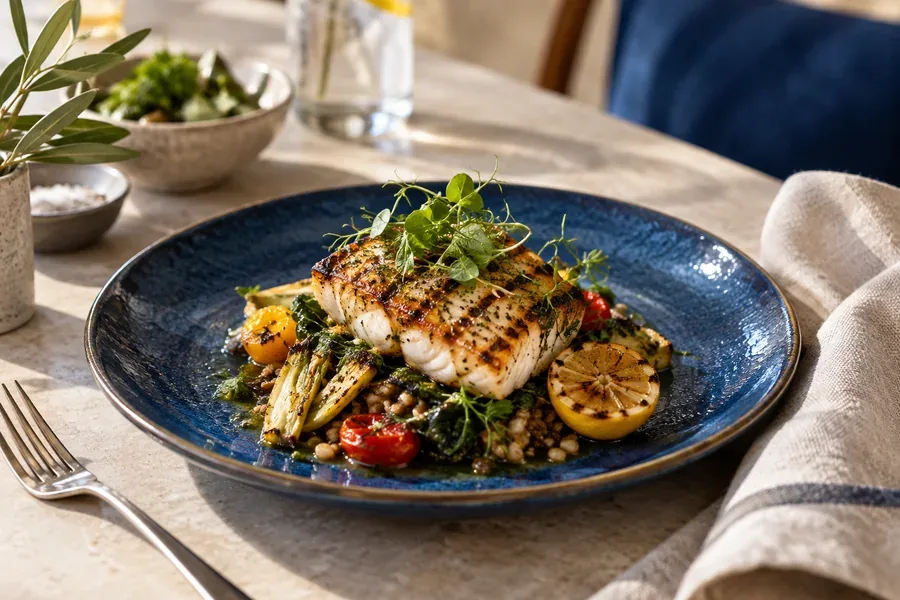
Do not shrink a large print menu for mobile. Use familiar categories and consistent positions for names, prices and short descriptions. Keep extras near the dish and clarify whether a photo shows a full meal or one item.
Remove a question with each description
Explain the main ingredients and presentation that distinguish similar dishes. Obtain allergen information from the kitchen and use its approved presentation, rather than inferring it from photos. Update ingredients and prices consistently across ordering channels.
Example: three meal sizes
Place sizes and prices together with their included items. Avoid making guests open three images to compare. Photograph actual portions consistently and use the ordering platform’s options where available.
Follow the ordering path
Open the menu from a table QR code or a post. Check the branch and order button. For message-based orders, carry the dish and options into the message. Review unavailable dishes daily to avoid setting an expectation the kitchen cannot meet.